12 Roadster AI video prompts you can copy
 Roadster AI Video Team
Twelve copy-ready prompts for launches, ramp flips, night escapes and traffic boosts, with the photo each one needs and the failure to watch for.
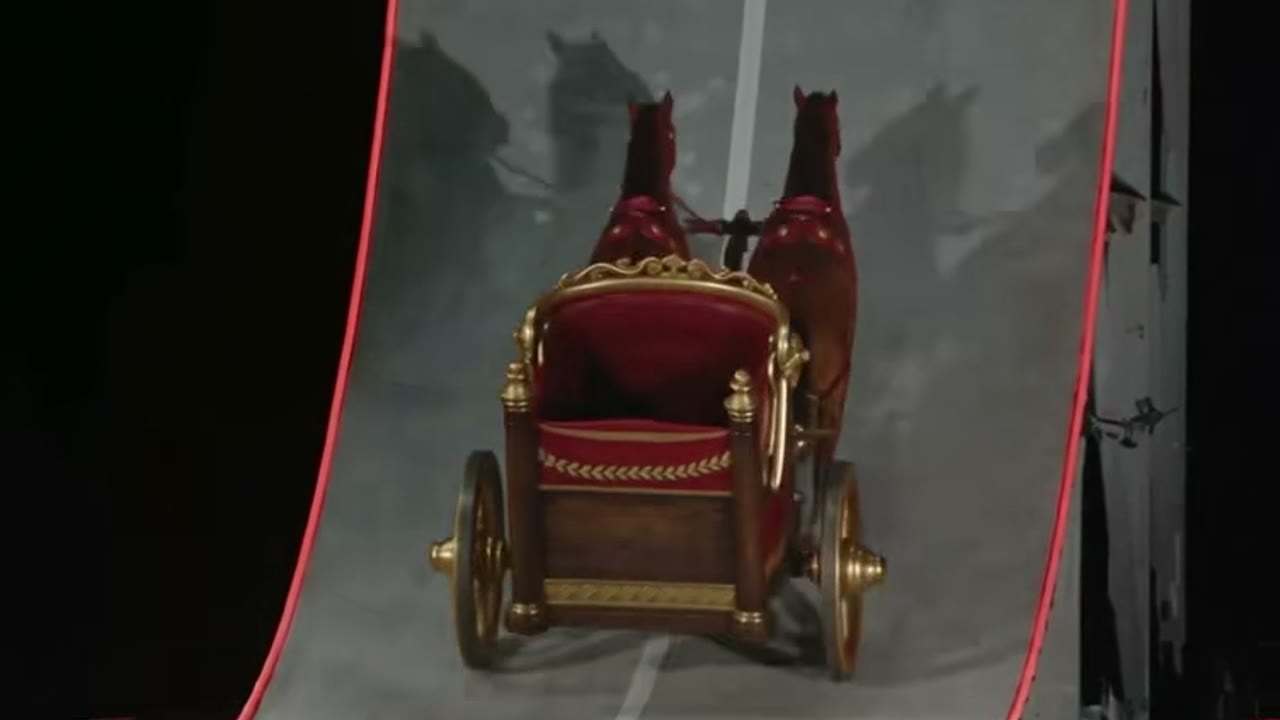
A prompt for a short AI car video has one job: describe a subject, one action, one camera move and one kind of light. The twelve prompts below follow that shape. Each one assumes you upload a clear photo of the car you want to animate; if you run them as text-only, add the car's colour and body type to the first sentence.
Copy a prompt into the studio, replace nothing except the scene details you want to change, and set the clip to 9:16 for social. The how-to guide explains the photo requirements if this is your first render.
This clip: 35 credits · 10 clips a month for $39.90 (Pro), or 102 a year for $319
Launch prompts
1. The proving-ground launch
Use the car in the uploaded photo as the single hero vehicle. A floodlit proving-ground strip at night, wet asphalt, haze in the air. The car waits on the line, the rear squats, blue thruster flames fire under the bumper and it disappears down the strip in a wall of white tyre smoke. One continuous low rear three-quarter tracking shot. Keep the body shape, paint colour, wheel count and badges exactly as photographed. No crash, no people, no text, no watermark. Vertical 9:16.
Why it works: the camera stays behind the car and the body does not rotate. This is the most reliable prompt in the set.
2. The tunnel pull
Use the car in the uploaded photo as the single hero vehicle. An empty concrete tunnel at night, sodium lights repeating along the ceiling. The car accelerates away from the camera, exhaust tips glowing, the tunnel lights streaking into lines. One continuous rear chase shot that slowly falls behind. Keep the body shape and paint exactly as photographed. No other cars, no people, no text, no watermark. Vertical 9:16.
Why it works: the tunnel gives the model a simple repeating background, so the car has fewer distractions to fight.
3. The rain launch
Use the car in the uploaded photo as the single hero vehicle. A rain-soaked industrial road at dusk, puddles reflecting the sky. The car launches forward and a sheet of spray lifts behind it. One low front three-quarter shot, camera fixed, car moving toward the lens and passing it. Keep the body shape, paint and wheels exactly as photographed. No crash, no people, no text. Vertical 9:16.
Why it works: a fixed camera with the car passing through the frame hides small geometry errors.
Ramp and flip prompts
4. The curved-wall flip
Use the car in the uploaded photo as the single hero vehicle. A tall curved ramp on a desert flat at golden hour. The car climbs the wall, hangs upside down for a beat, fires thrusters and lands in a cloud of dust. One continuous chase shot that rises with the car and settles behind it on landing. Keep the body shape, paint colour and wheel count exactly as photographed. No crash, no explosion, no people, no text. Vertical 9:16.
Why it works: "hangs upside down for a beat" gives the model a moment to hold the shape before the rotation.
5. The slow backflip
Use the car in the uploaded photo as the single hero vehicle. A mountain switchback at sunrise, low mist across the road. The car leaves a jump, rotates once slowly in the air and lands on the next switchback. One side-tracking camera at car height, pacing the jump. Keep the body shape and paint exactly as photographed. No crash, no fire, no people, no text. Vertical 9:16.
Why it works: "slowly" is the instruction that keeps a flip from turning into a blur.
6. The toy-to-real ramp
Use the car in the uploaded photo as the single hero vehicle. A diecast model of the car rolls across a wooden desk toward a small cardboard ramp, then the shot snaps to the real car launching off a full-size ramp at sunset. One match cut, same camera angle on both sides. Keep the body shape, paint and wheels exactly as photographed. No hands, no text, no watermark. Vertical 9:16.
Why it works: the match cut is a strong visual idea and it hides the transition where the model is weakest.
Night and city prompts
7. The traffic lift
Use the car in the uploaded photo as the single hero vehicle. Heavy traffic on a rain-soaked city avenue at night, brake lights reflecting on the asphalt. The car sits in the middle lane, then cold-gas boosters lift it straight up over the stopped cars. One street-level camera tilts up and follows the car, then cuts back to the empty lane. Keep the body shape, paint and wheels exactly as photographed. No crash, no fire, no people, no text. Vertical 9:16.
Why it works: vertical lift keeps the car level; there is no rotation to distort the body.
8. The roadblock flyover
Use the car in the uploaded photo as the single hero vehicle. A closed highway at night, red and blue lights ahead, a police roadblock across the lanes. The car approaches, downward jets fire and it lifts clean over the barrier, landing beyond it. One low front tracking shot that tilts up as the car rises. Keep the body shape and paint exactly as photographed. No crash, no people, no text. Vertical 9:16.
Why it works: the barrier gives the model a clear height reference. Without it, "flying" can read as "floating".
9. The neon avenue
Use the car in the uploaded photo as the single hero vehicle. A neon-lit city avenue at midnight, wet road, crowds blurred in the background. The car glides a metre above the traffic, magenta and cyan reflections moving across the paint. One slow side-tracking shot. Keep the body shape, paint and wheels exactly as photographed. No people in focus, no text, no watermark. Vertical 9:16.
Why it works: reflections sell the height. The car must stay level, so keep the prompt free of flips.
Comedy and social prompts
10. The commute revenge
Use the car in the uploaded photo as the single hero vehicle. A gridlocked eight-lane highway on a sunny Monday morning. The driver's window is down, an arm rests on the door, then rocket boosters fire and the car hops over three lanes of traffic, landing in the empty fast lane. One rear tracking shot at bumper height. Keep the body shape, paint and wheels exactly as photographed. No crash, no people in focus, no text. Vertical 9:16.
Why it works: the ordinary setting makes the impossible action funnier, and the fixed camera keeps the geometry simple.
11. The grocery run
Use the car in the uploaded photo as the single hero vehicle. A supermarket car park at midday, trolleys and kerbs visible. The car lifts half a metre, drifts over a speed bump and settles into a parking space. One static wide shot. Keep the body shape, paint and wheels exactly as photographed. No people, no crash, no text. Vertical 9:16.
Why it works: a small, low action is easier to render than a full flip, and the joke is in the scale.
12. The moon landing
Use the car in the uploaded photo as the single hero vehicle. The car descends through a starry black sky and lands on a grey lunar surface, dust rising in slow arcs. One wide shot from the side, camera fixed, car settling. Keep the body shape, paint and wheels exactly as photographed. No astronaut, no flag, no text, no watermark. Vertical 9:16.
Why it works: the empty background removes every reference the model could distort.
How to adapt a prompt
Change one variable at a time. If you change the car, the scene, the camera and the light in the same edit, a bad render tells you nothing. The variables that matter most, in order, are: camera move, action speed, background complexity, light direction.
Keep the protection sentence — "keep the body shape, paint colour, wheel count and badges exactly as photographed" — in every prompt. It is the difference between a clip of your car and a clip of a car that vaguely resembles yours.
If a prompt is refused, remove people, brand names, violence and anything that could read as a real event. The moderation layer is described in the FAQ.
Cost of running these prompts
Each prompt can run at 480p, 720p or 1080p. A 12-second 720p clip is 35 credits; 1080p is 90. Test at 480p, then re-render the winner at 720p or 1080p. The full price table is on the pricing page.